
Game info
Arcade, Reaction, Fruit slicing
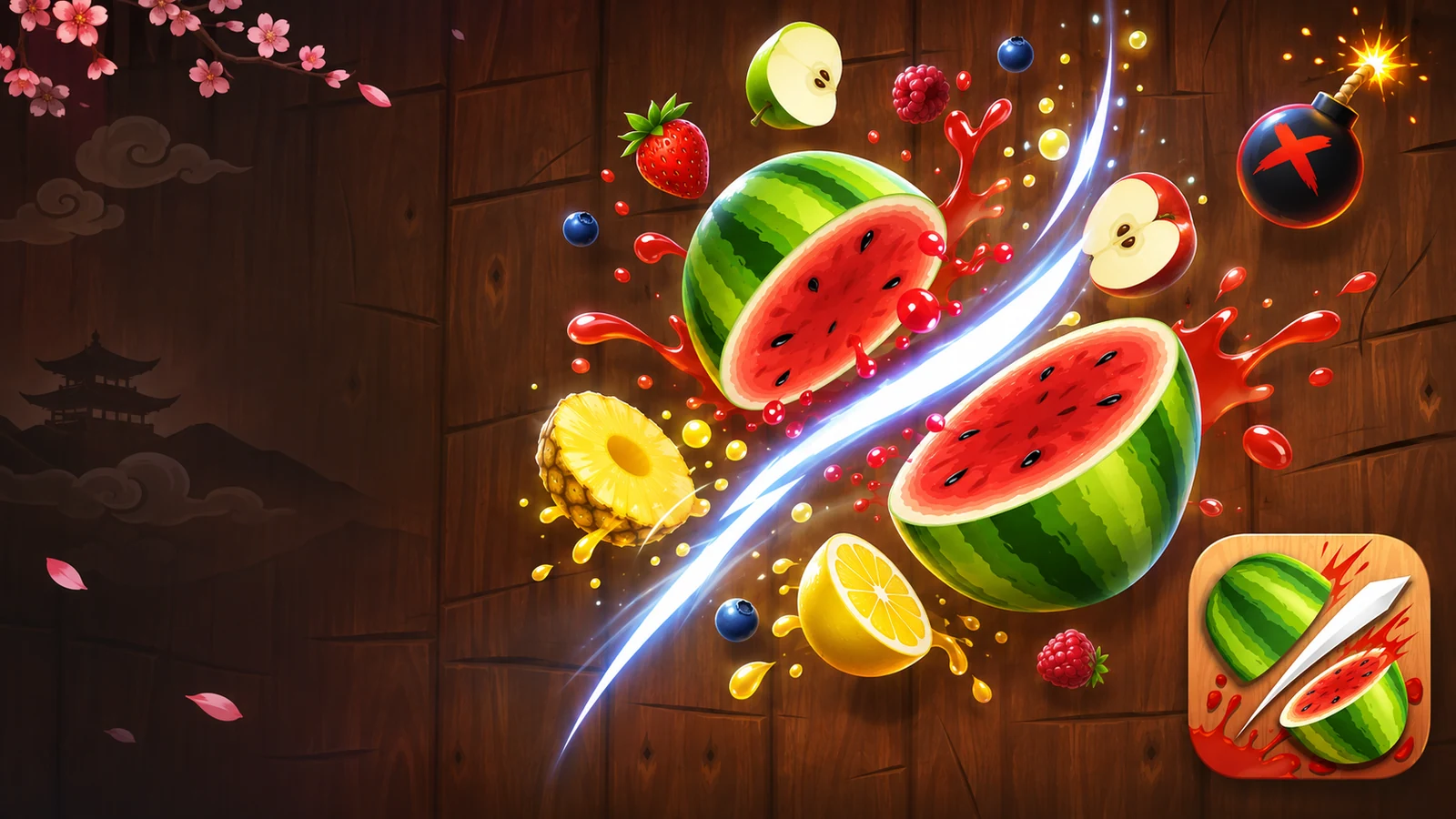
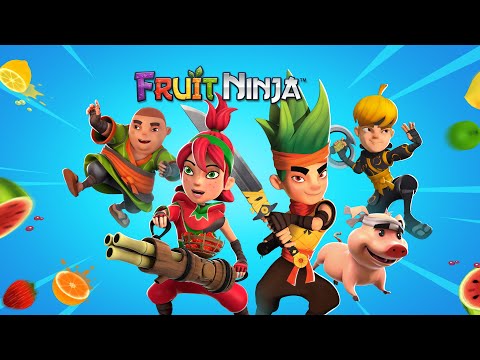
Fruit Ninja is built around slicing airborne fruit with quick, controlled gestures. Its appeal comes from reading a changing cluster of targets, finding satisfying multi-fruit cuts and avoiding the hazards attached to the selected mode.
About Fruit Ninja
Fruit Ninja is built around slicing airborne fruit with quick, controlled gestures. Its appeal comes from reading a changing cluster of targets, finding satisfying multi-fruit cuts and avoiding the hazards attached to the selected mode.

Gameplay overview
Watch the fruit rise, choose a slicing path and react before the targets fall away. Bombs and missed fruit have different consequences in different modes. A deliberate cut through several fruits can be more useful than many uncontrolled swipes across the whole screen.
How to Play
Keep your eyes on the centre of the action instead of following the blade. Wait for fruit to form a useful group, then cut a short route through it. If a bomb is close, change the angle rather than continuing a long swipe. Establish accurate single cuts before trying to maximise combo size.
Controls
swipe across fruit. Browser slicing adaptations: hold and drag the mouse or use touch gestures; check the visible tutorial.
Pro Tips
- Use shorter gestures when hazards are mixed into fruit.
- Learn the selected mode’s failure condition.
- Aim at a group’s path rather than its first visible position.
- Do not assume a browser clone contains every official blade or mode.
Making Better Decisions
A clean slicing route starts before the gesture. Watch how fruit enters the play area and let a useful group form before cutting through it. Long sweeps can feel energetic while crossing hazards that were not part of the original target, so shorten the path when a bomb is nearby. If the mode has a timer, a miss allowance or a different hazard rule, let that condition guide the level of risk. Do not compare scores from different modes as if they measure the same challenge. On touch devices, keep fingers from covering the area where the next fruit appears; with a mouse, check whether the selected browser build needs a held button. The recorded controls and actual tutorial take priority over a generic slicing instruction.
Features, Modes and Progression
Fruit Ninja, Fruit Ninja Classic and other Halfbrick releases have distinct store listings. The selected free mobile listing is recorded separately from paid or subscription editions.
Keep the next swipe readable
A sweep through several pieces of fruit can be useful, but only if you still recognise the hazards mixed into the next pattern. Watch where a swipe will end as well as what it initially collects. Avoid turning a missed fruit into several uncontrolled movements. A deliberate gesture gives you more information about your aim and leaves your attention available for the next arrival. Read the selected mode’s hazard rules before applying a risky collection habit.
Practise the shape of a gesture
Use a familiar opening to compare a shorter swipe with a wider one. Look at which fruit you actually reach and whether the movement crosses an area you wanted to avoid. Keep the device comfortable and the gesture distinct. Changing the gesture and the timing simultaneously makes it difficult to identify what improved the result.
Classic, Zen and Arcade ask for different priorities
Fruit Ninja's published mobile game identifies three familiar modes. Classic centres on keeping the slicing run going while avoiding bombs and missed fruit. Zen gives the action a calmer focus. Arcade places more emphasis on a scoring push and the opportunities created by special effects. Choose the mode before deciding what a good risk looks like; a habit that fits one goal may not fit another.
Read the rules presented by the current release rather than assuming a duration or penalty from another edition. The same fruit-slicing gesture can support different pressures. Learning the ordinary blade movement first makes those differences easier to enjoy because a new mode adds a decision instead of adding uncertainty about the basic input.
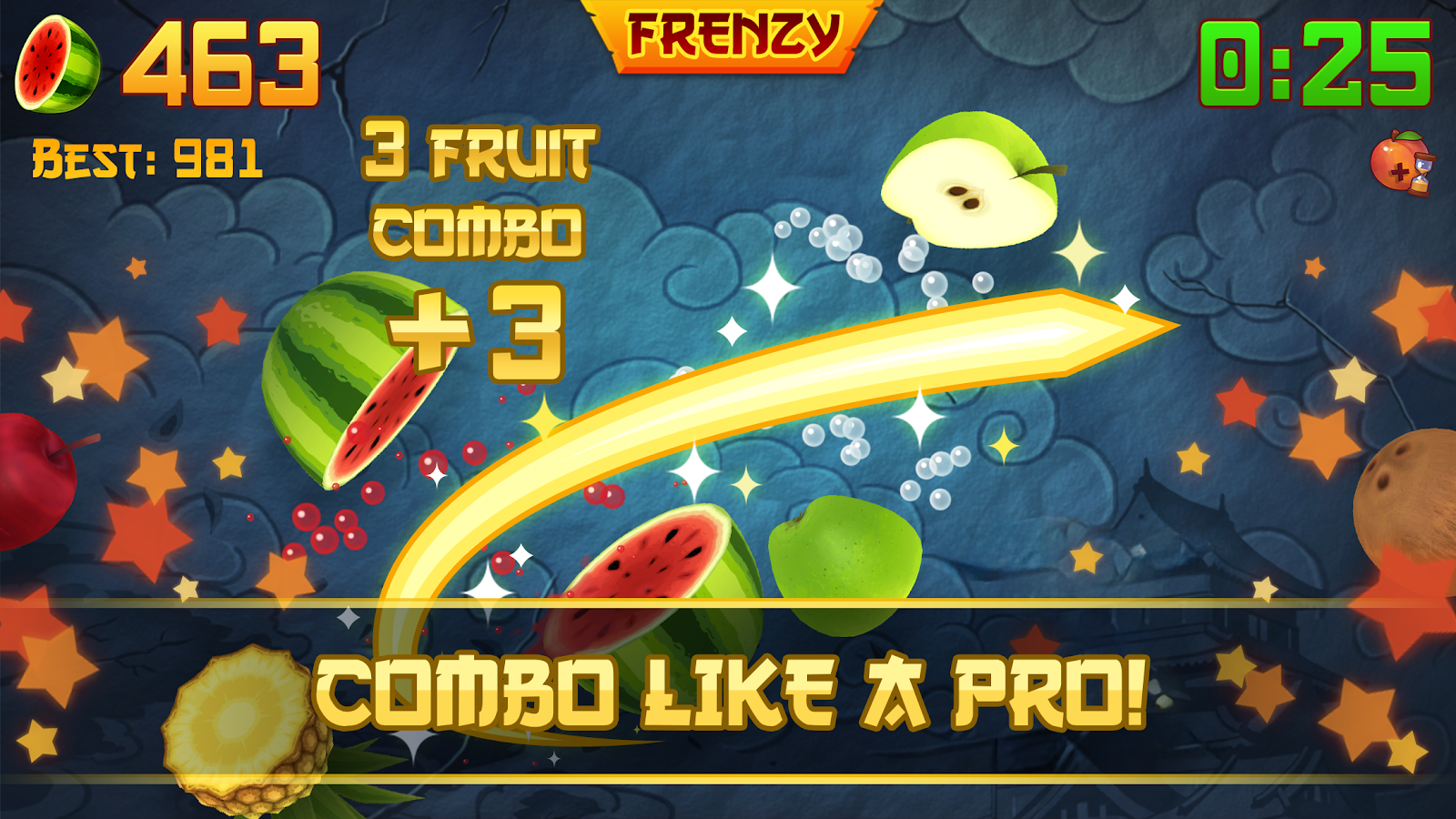
Double Score, Freeze and Frenzy bananas
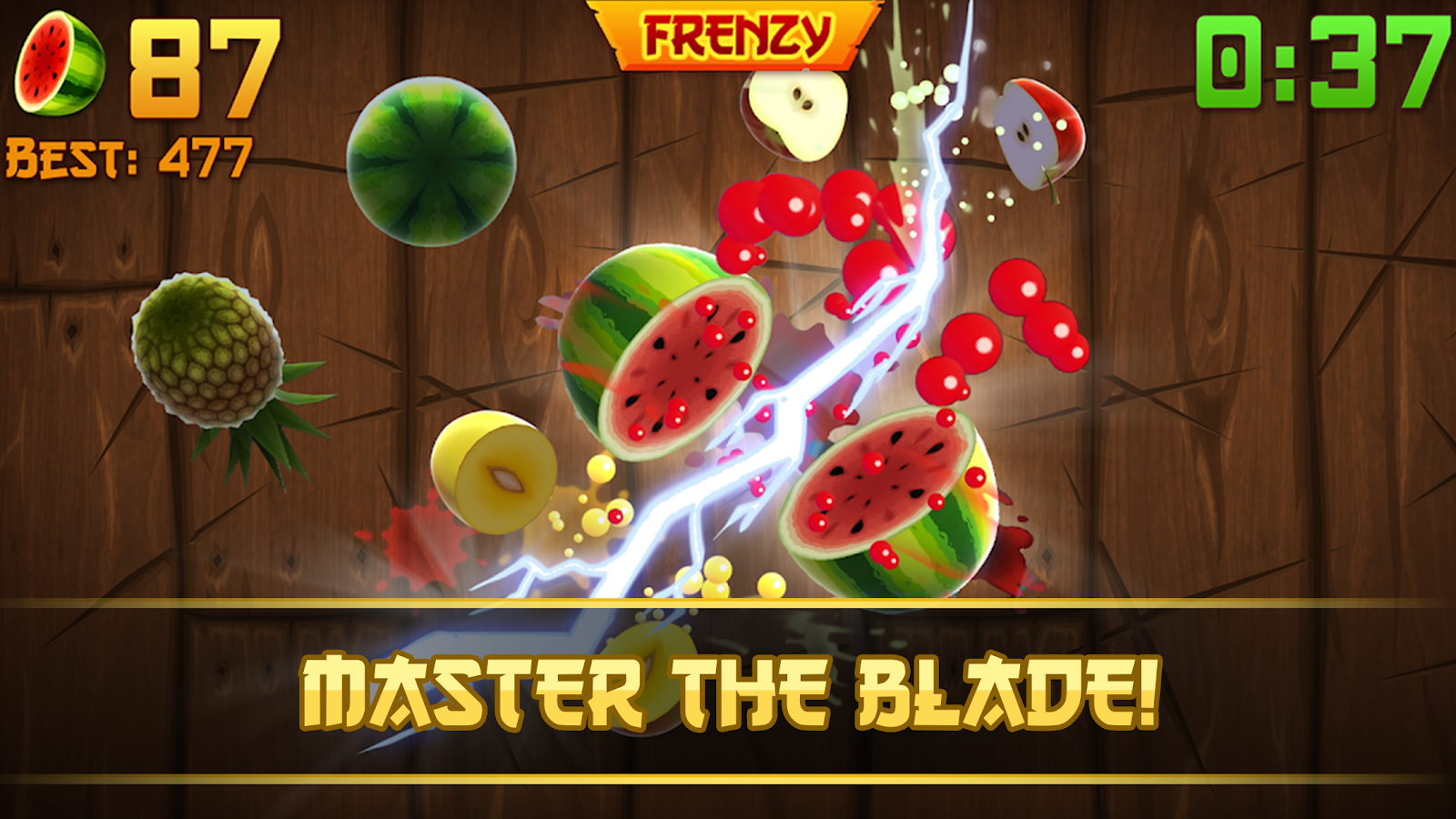
The official app description names Double Score, Freeze and Frenzy bananas among Arcade's special effects. Their value comes from recognising what the active effect changes. Keep watching fruit and hazards while the effect runs, and prepare for the return to ordinary timing afterwards. A special opportunity is more useful when the next swipe still has a controlled endpoint.
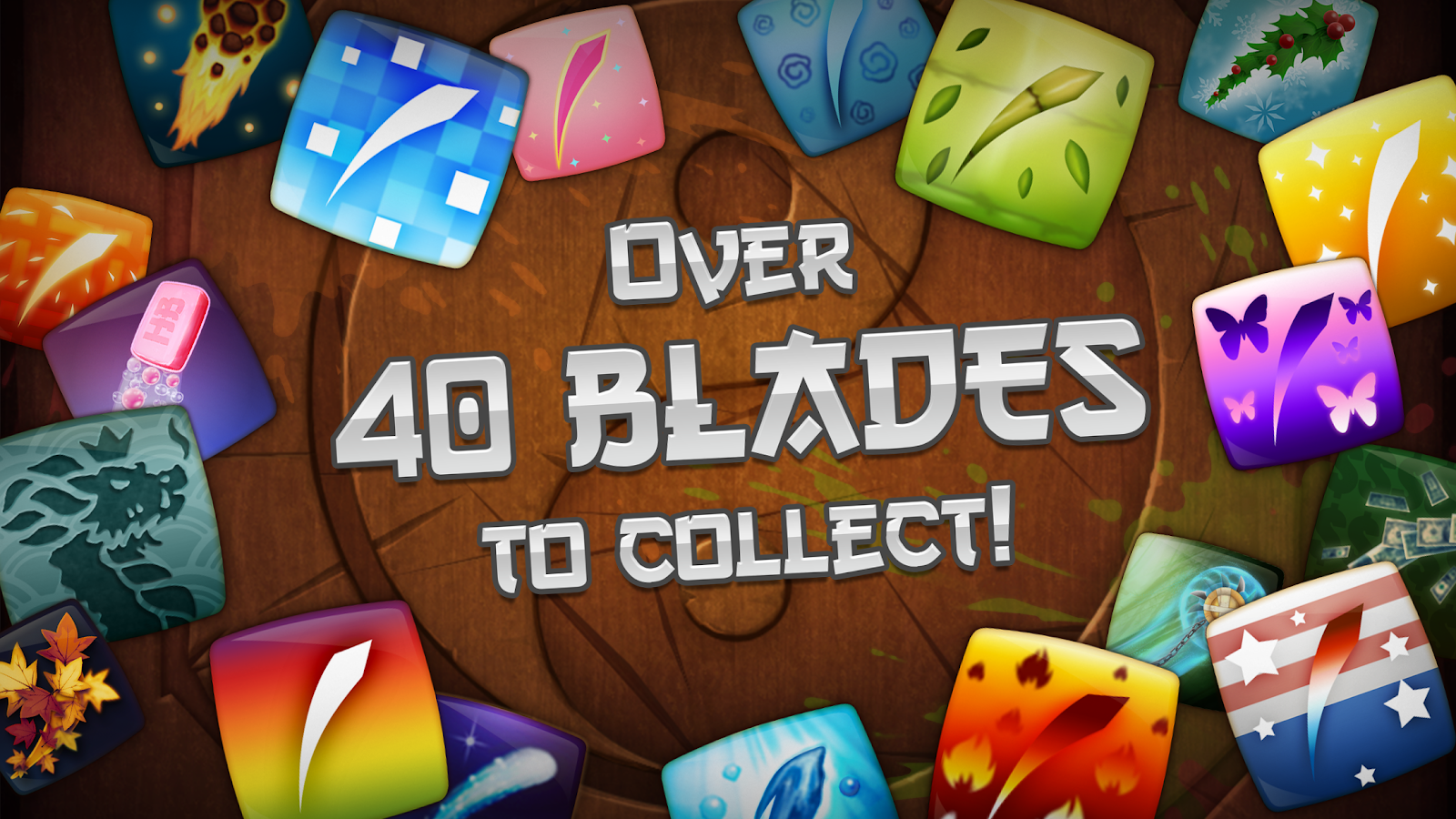
Blades, visual choices and other progression give the dojo additional variety, but the core action remains readable cutting. A different appearance should not distract from learning where the gesture travels. Compare one familiar pattern before judging a new effect or mode. That keeps the recognisable Fruit Ninja identity—fruit, blade trails, bombs and the dojo—connected to decisions you can actually improve rather than to a promise that a cosmetic choice will automatically raise the score.
Read the fruit before drawing the blade
Fruit Ninja is a slicing game built around a very direct gesture, but a successful swipe begins with observation. Watch the path of the fruit as it enters the screen. A deliberate movement through a useful group can be better than several hurried strokes at separate pieces. The important distinction is between choosing a swipe and reacting to every object independently.
Keep the endpoint of the gesture in mind. A swipe that begins safely can continue through an area containing a hazard. Shorter, readable movements make it easier to stop the blade where you intended. The screen can become busy quickly, so leave enough attention for the next arrival instead of following the previous slice with your eyes for too long.
Combos, timing and the cost of an uncontrolled sweep
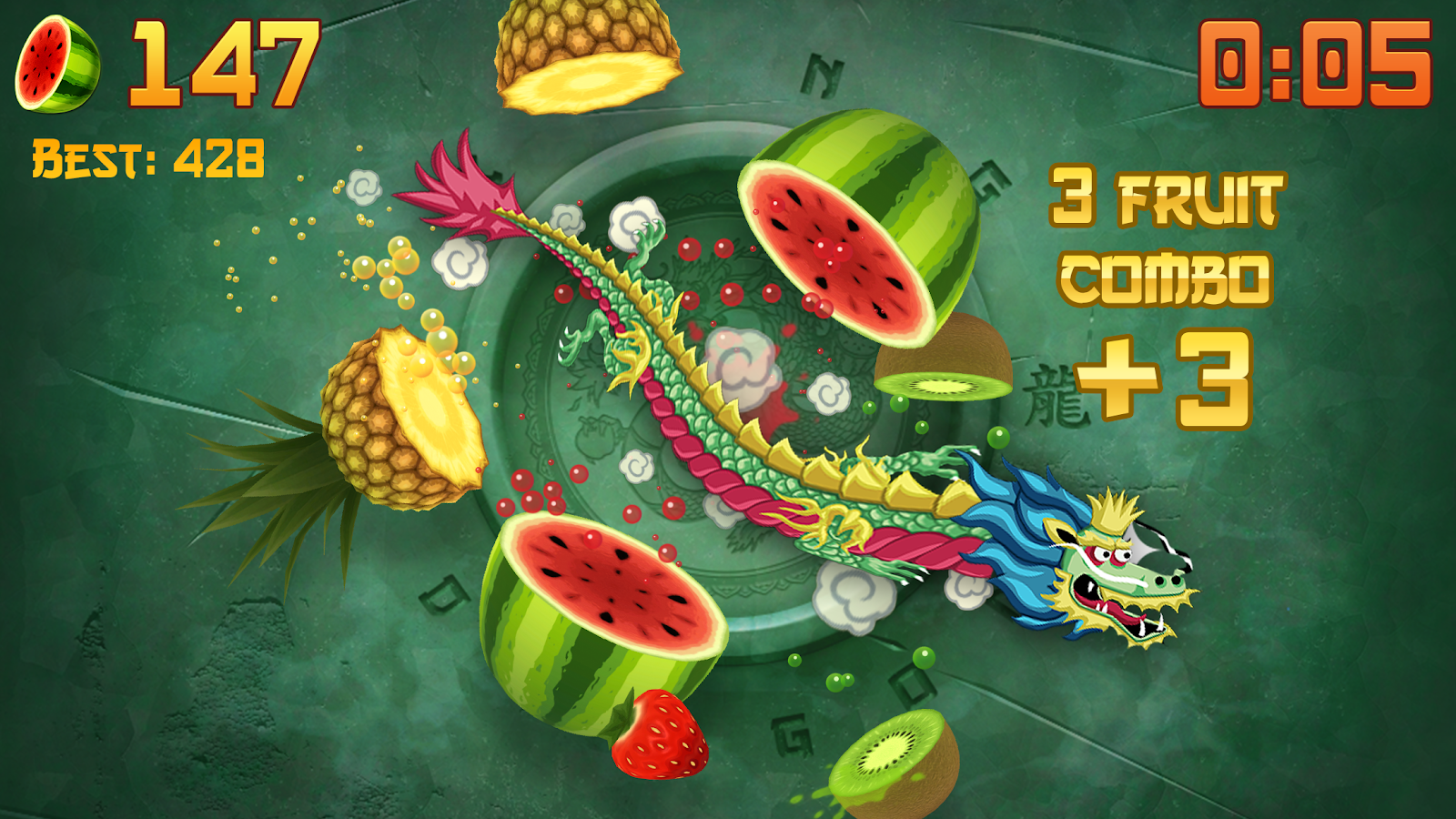
Slicing several pieces of fruit in one movement can create a satisfying combination. Look for fruit that will share a manageable path rather than forcing a huge sweep across the entire screen. Waiting briefly may bring a group together, but waiting too long can let fruit leave the playable area. Compare the shape of the group with the time available to reach it.
A large gesture is useful only if it remains controlled. If it repeatedly crosses bombs or misses the intended fruit, try reducing its size before simply moving faster. The result tells you whether the problem was the path or the timing. Fruit Ninja rewards quick decisions, but an understandable gesture gives you something specific to improve after an unsuccessful attempt.
The selected mode changes the priority
Read the mode information before carrying a habit from one Fruit Ninja session into another. A mode focused on survival creates different pressure from a timed scoring challenge. The rules determine how missed fruit, bombs, bonuses and the end of a round are handled. A risky move that fits a final scoring push may be a poor choice when preserving the run is the main objective.
When a temporary effect appears, observe what it changes. It may alter the pace or the reward for a particular action. Keep its effect separate from the basic slicing motion so you can return to normal play without losing control. Do not assume that every edition contains the same modes or that a feature shown in an old video is currently available.
Keeping the playing area readable
On a touch screen, use a comfortable hand position and leave the upper part of the play area visible. If your hand covers the next fruit pattern, the gesture may feel harder than it needs to be. A clean screen and a clear viewing angle also help separate small hazards from fruit. Use the game's own sound and visual settings in a way that makes the action comfortable to follow.
For mouse input, begin with a few simple cuts rather than immediately imitating a wide finger swipe. Notice how the blade follows the pointer and whether the game requires a held button. Confirm that interaction in the selected player. A physical gesture that works well on one device can require a different range of movement on another.
Practising one useful slicing pattern
Choose a familiar opening and compare two gestures: a short direct cut and a wider sweep through a group. Watch the fruit reached, the area crossed and where the blade finishes. Keep the timing reasonably similar so the effect of the gesture is clear. Then change the timing while keeping the movement readable.
After a missed fruit, resist the urge to fill the screen with correction strokes. Return attention to the next pattern. One controlled recovery is more useful than carrying a mistake into several new hazards. A short practice session can focus entirely on avoiding that chain reaction. Better scores become more meaningful when you can recognise which part of the movement improved.
Fruit Ninja's official game and the next arcade challenge
Halfbrick's Fruit Ninja page is the official product destination, with the published store links below for mobile editions. Check current release information for modes and supported devices. The lasting appeal is the recognisable slicing interaction and the way fruit patterns ask you to balance speed, combinations and control.
Related slicing games can offer another setting for that same gesture, while other arcade titles may emphasise tapping or dodging instead. Read each game's description before assuming the hazard rules are identical. Fruit Ninja remains an easy game to begin and an interesting game to refine: watch the pattern, choose the cut and leave the blade ready for what comes next.
Worked example: a wide cut with an unsafe endpoint
Imagine a group of fruit entering along a line with a hazard beyond it. A broad swipe may collect the fruit and continue into the part of the screen you wanted to avoid. Compare a shorter gesture that reaches the useful group but finishes earlier. The difference is the route of the blade, not simply how fast the hand moves.
Practise the two gestures during a familiar pattern and watch what each actually crosses. Keep timing reasonably similar so the effect of the path is clear. Once the movement is dependable, compare a slightly earlier and later cut. Changing path and timing separately gives a missed slice a more useful explanation.
Worked example: recovering from one missed fruit
A miss can draw attention back to an object that is already leaving while the next pattern arrives. Several hurried correction strokes may then create more problems. Try returning attention to the next readable group instead. The useful recovery is the one that restores control, not the one that tries to erase every previous mistake through extra movement.
Read the selected mode's rules before judging the cost of a miss or a hazard. A timed scoring round and a survival-oriented round can create different priorities. The current game establishes those conditions; a familiar Fruit Ninja image does not mean every edition uses the same modes.
Keep the gesture comfortable and the pattern visible
On touch screens, choose a hand position that leaves approaching fruit visible. On a pointer, confirm whether the interaction requires a held button before attempting a busy sequence. Use the current visual and sound options comfortably. If the movement feels inconsistent, return to a simple cut rather than making every gesture larger. The satisfying part is seeing a group, choosing a useful path and leaving the blade ready for the following pattern.
Related games
Frequently asked questions
How do I make cleaner combos?
Watch several fruits approach a shared line and cut through them with one controlled gesture.
Are all Fruit Ninja store versions the same?
No. The free listing, Classic and other editions have their own features and pricing.
Who develops or publishes Fruit Ninja?
Halfbrick Studios
Which controls should I use?
Native: swipe across fruit. Browser slicing adaptations: hold and drag the mouse or use touch gestures; check the visible tutorial.
Is the browser player the exact original game?
Real Fruit Ninja and Fruit Ninja HD 2 are portal titles whose publisher identity needs verification. They are browser alternatives unless an official Halfbrick distribution route is established.
Is it free?
The observed Google Play listing is free to download and offers in-app purchases. A browser alternative has its own provider terms and may include adverts.
Can I use my official account or saved progress in a browser alternative?
No account, purchase or save transfer is established unless the developer explicitly documents it for that build.
What games should I try next?
Compare fruit slicing, Fruit Ninja, slice fruit, reaction arcade. The related list prioritises shared mechanics and preserves each game’s real identity.
Good game? Tell us.0
Share a tip, celebrate a high score, or tell us what you think. Keep it friendly.